
MVX Digital FPV
ModalAI's encrypted digital FPV link in the VOXL SDK, the services behind it, and where to start.
Table of contents
- Overview
- Hardware
- Services
- Choose a video path
- Get started
- Video and telemetry from the VRX
- SDK versions and source
Overview
MVX is ModalAI’s digital FPV video link, built into the VOXL SDK. It sends low-latency HD video from a VOXL drone to the VRX Ground Unit, with the on-screen display (OSD), telemetry and a stick-driven settings menu, all encrypted. It needs no network setup: the drone and the VRX find each other on the same channel with the same key.
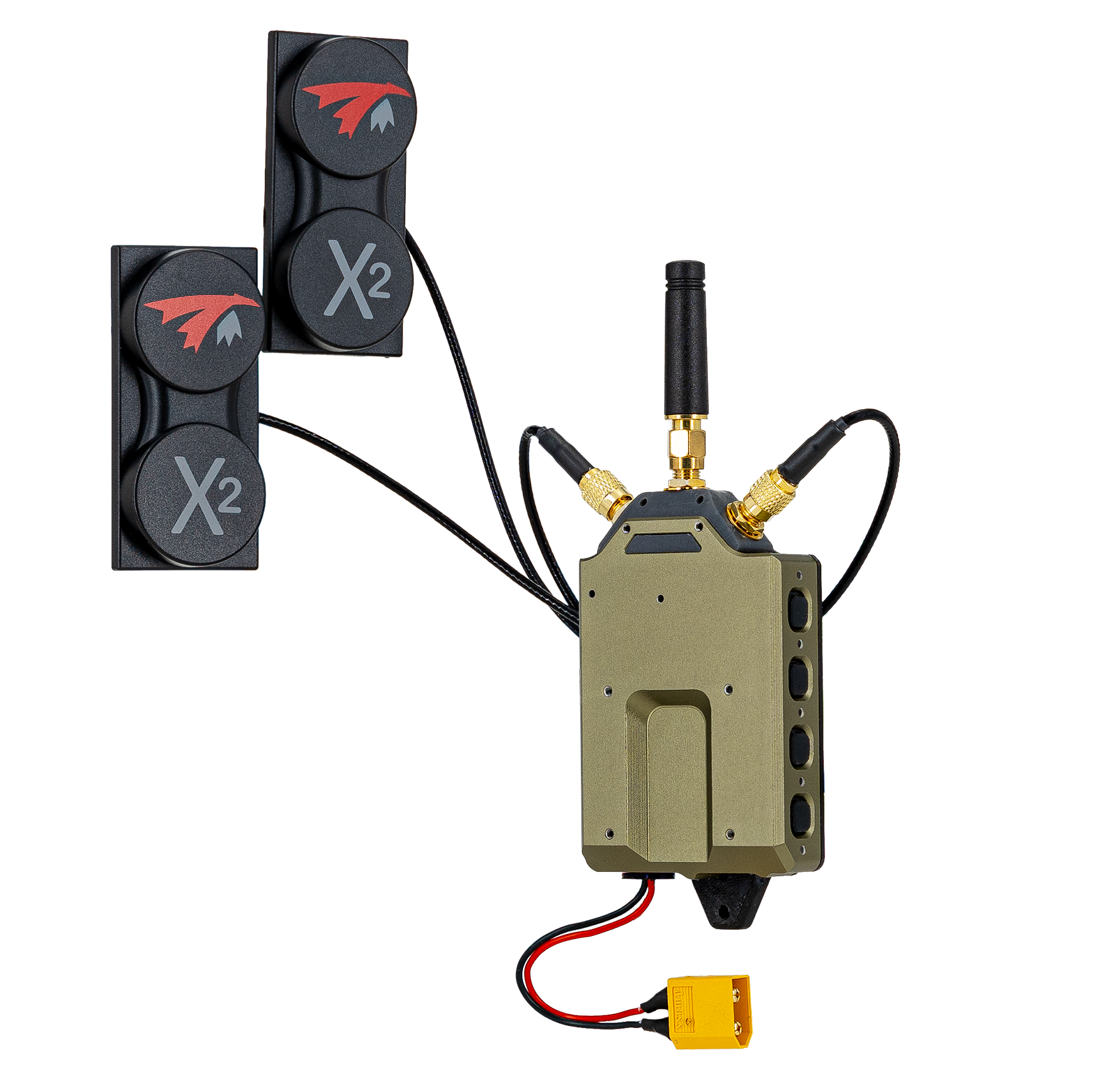
What the link does, as of SDK 1.8.1:
- Encrypted end to end with a key you generate yourself. See Pairing & Encryption Keys.
- Frequency hopping with jamming avoidance. See Frequency Hopping.
- Adaptive video that keeps the link up as conditions change. See Video Profiles & Adaptive Link.
- 5 to 40 MHz channels on 2.4 and 5 GHz. See Channels, Bandwidth & Power.
- Several ground stations, with control handed over in flight. See Multiple Ground Stations.
- Pilot view recording and RTSP streaming from the VRX, OSD included. See Recording, Streaming & Flight Logs.
- IP radios (Silvus, DTC, Doodle Labs, LTE, fiber) with the same video, OSD and menus, and automatic fallback from RF to IP. See IP Radios & RC over IP.
Setup and every feature are covered step by step in the MVX User Guides. This page shows where MVX fits among the SDK’s video services.
Hardware
| Product | Role |
|---|---|
| VTX Air Unit | Add-on transmitter for your own drone: VOXL 2 Mini, radio and camera |
| Stinger Vision FPV | FPV drone with the VTX built in |
| VRX Ground Unit | Receiver with display output for goggles or a monitor, recording, and network ports |
Services
MVX is made of standard SDK services that pass data over MPA pipes, like the rest of the SDK.
On the drone:
| Service | Role |
|---|---|
| voxl-camera-server | Publishes the camera streams, including the encoded video that the VTX sends |
| voxl-osd | Builds the OSD and runs the stick-driven drone menu |
voxl-vtx | Sends video, the OSD and telemetry over the MVX radio or an IP link. See Software Setup |
On the VRX:
| Service | Role |
|---|---|
voxl-vrx | Receives the link, draws the video and OSD on the display output, records, and forwards telemetry. See Software Setup |
| voxl-streamer | Serves the pilot view over RTSP |
| voxl-rc-server | Sends a joystick’s RC to the drone on IP radio links. See RC over IP |
voxl-configure-mpa sets up these services for each FPV SKU and for the VRX, so a factory unit works out of the box.
Choose a video path
This section of the SDK offers several ways to get video off the drone.
| Path | Best for | Needs |
|---|---|---|
| MVX (this page) | Flying FPV in goggles or on a monitor: lowest latency, OSD and menu, no network to set up | A VTX (Air Unit or built in) and a VRX |
| RTSP Video Stream | Viewing in QGroundControl, VLC or your own software over any IP network | An IP link such as WiFi, LTE or a radio |
| Low Latency Video Streaming | Tuning glass-to-glass latency of an RTSP stream over WiFi | An IP link |
| Record Video | Saving footage on the drone | Nothing extra |
They can be combined. The VRX re-serves the MVX pilot view over RTSP and MPEG-TS, so a ground station or ATAK device can watch the same video the pilot sees. See Stream to a ground station or ATAK.
Get started
Factory units ship configured. To set up a drone from scratch, enable the VTX with the defaults, or with the preset for your drone or link (see voxl-configure-vtx):
voxl-configure-vtx -f        # VTX defaults
voxl-configure-vtx --d0013   # Stinger
voxl-configure-vtx -l        # show the current configuration
Then pair the drone and the VRX with your own key (Pairing & Encryption Keys) and fly. The channel, video profile and most other settings can be changed from the goggles with the OSD menu.
To watch the link from the command line:
voxl-inspect-vtx      # on the drone
voxl-inspect-vrx      # on the VRX
See Link Diagnostics for what the columns mean and how to collect logs for support.
Video and telemetry from the VRX
The VRX is also a bridge to other ground equipment:
- RTSP:
rtsp://<VRX IP>:8900/liveserves the pilot view, OSD included, out of the box. - MPEG-TS over UDP to a ground station or ATAK device.
- MAVLink telemetry to and from a ground station on the VRX’s network.
- Headless mode publishes the received video on an MPA pipe for your own software, without decoding or displaying it.
See Recording, Streaming & Flight Logs for each.
SDK versions and source
Run the same SDK release on the drone and the VRX. SDK 1.8.1 ships voxl-vtx 3.19 and voxl-osd 1.8. The drone runs the standard VOXL SDK, and the VRX runs a VRX build of the same release. See Software Setup for which SDK to flash.
voxl-vtx and voxl-vrx are not open source. voxl-osd is open source.