
Parameters
- The full PX4 parameter guide can be found here
The default value for all parameters is built into the software image. Any parameter values that are changed from their default values are stored in a parameter file in the file system. The default location for this file is /data/px4/param/parameters. In order to get back to the default setting for all parameters one can delete this file.
ModalAI Parameter Sets
ModalAI provides sets of parameters that can be used for the various reference drones and for various use cases. These parameter sets are stored in a format that allows them to be loaded onto the drone with QGroundControl using the load from file option. These parameter sets are available here
If the parameters file does not exist, PX4 starts with its built-in defaults. The vehicle-specific parameter set for your SKU is written by voxl-configure-px4-params, which voxl-configure-mpa runs at the end of every SDK install. Older SDKs seeded a missing parameters file from /etc/modalai/voxl-px4-set-default-parameters.config; that file no longer exists.
Viewing/Editing Parameters
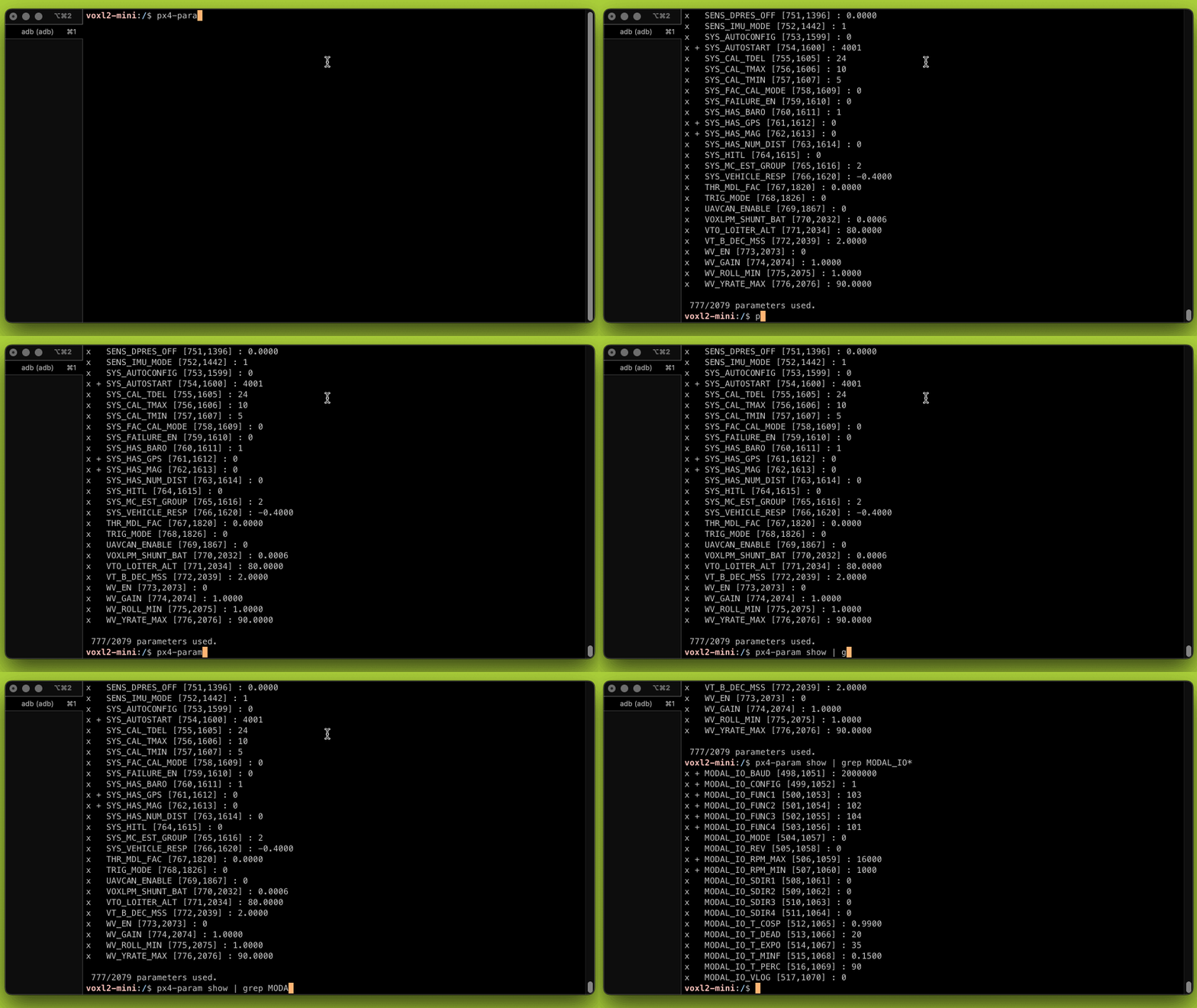
You can use the param subsystem to interact with the parameters, e.g. viewing:
px4-param show
Log files
PX4 log files can be a valuable way to tune performance of your drone or debug problems. The PX4 logger module is responsible for collecting the information and storing it into the log file. This module is started in the standard startup script with some standard options. The normal approach is to start a log file once the drone has been armed and close it once the drone has been disarmed. The log files are stored in the file system at /data/px4/log.
Logging mode (SDLOG_MODE)
The startup script reads the SDLOG_MODE parameter and passes the matching option to logger start. Do not edit the logger start line; set the parameter and restart PX4 (SDLOG_MODE requires a reboot to take effect).
SDLOG_MODE | Logging | Logger option |
|---|---|---|
0 (default) | When armed until disarm | none |
1 | From boot until disarm | -e |
2 | From boot until shutdown | -f |
3 | While manual input AUX1 is above 30% | -x |
4 | From first arm until shutdown | -a |
For example, to log from boot:
px4-param set SDLOG_MODE 1
Care must be used with the modes that log from boot because if power is removed from the drone (e.g. at the end of the flight) then it is possible to corrupt the log file and make it unusable. Instead it is advised to log into the drone via adb or ssh and issue the command px4-logger stop to cause the logger to finish the log file and close it safely before removing power.
Logged topics (SDLOG_PROFILE)
SDLOG_PROFILE is a bitmask that selects which topic sets are logged. PX4’s built-in default is 1 (default set only). The VOXL 2 default parameter set in voxl-px4-params (voxl-defaults/VOXL_2_defaults.params) sets it to 2083, which enables the default set (bit 0), estimator replay (bit 1), debug (bit 5), and high rate sensors (bit 11). See the PX4 parameter reference for the full list of bits. SDLOG_PROFILE requires a reboot to take effect.
Starting a log manually
Logging normally starts only when the drone is armed. To capture a log on the bench without arming, for example to share a problem with support, start the logger from an adb or ssh shell on VOXL 2:
px4-logger on
Let it run for the period of interest, then close the file:
px4-logger off
The .ulg file is written under /data/px4/log. Upload it to PX4 Flight Review and share the resulting link when reporting a problem; the site also extracts the parameter values from the log.