VOXL 2 Mini USB Connections
The two USB interfaces on VOXL 2 Mini and what connects to each.
Table of contents
Summary
There are two USB interfaces.
| J3 | a 10-pin JST-GH USB3 interface. Note: you can use the lower 4 pins only for a USB2 interface and reduce wire count. For USB3, see MCBL-00022-2 |
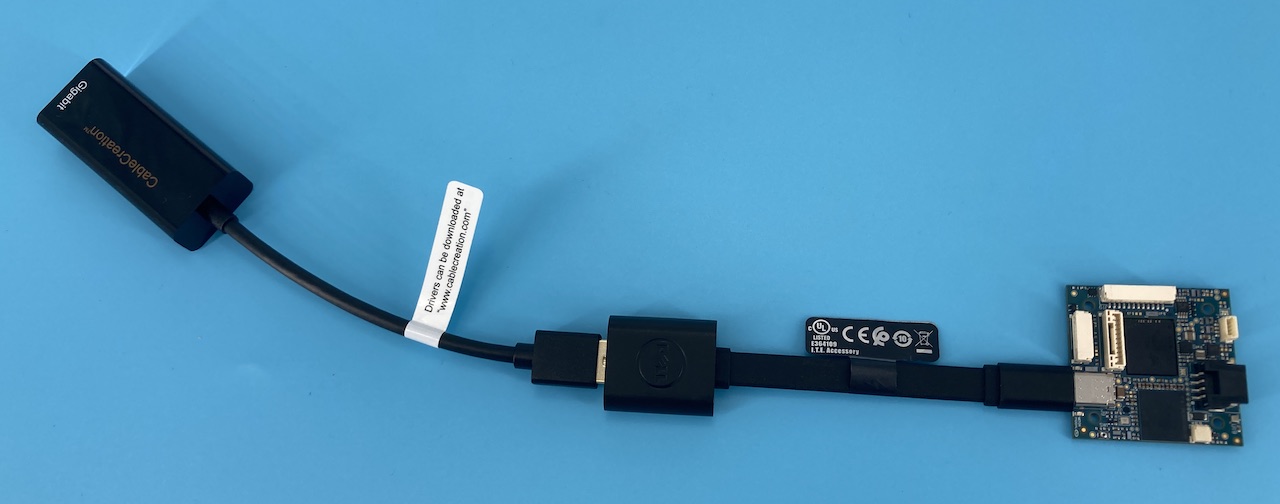
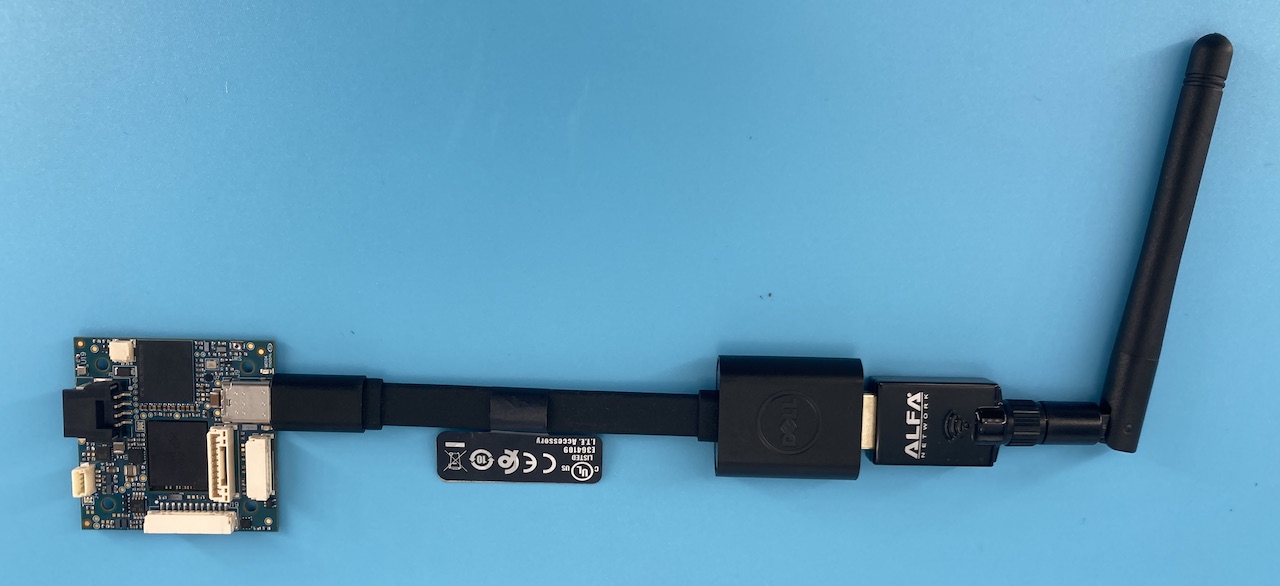
| J9 | a USBC interface, typically used to access the ADB shell. Note: this can also be used as a USB Host for adding debug peripherals like ethernet adapters for benchtop use |
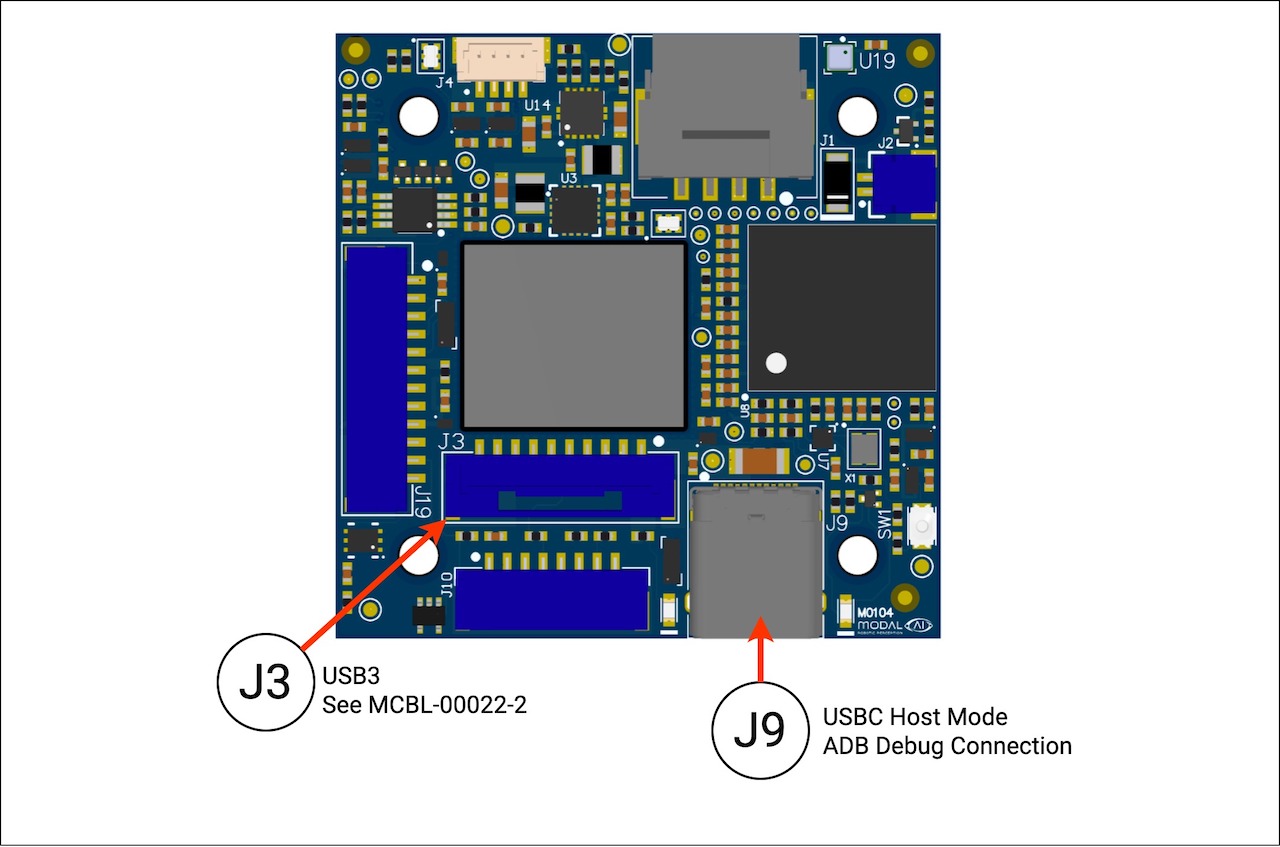
J3 - USB3 10-Pin JST
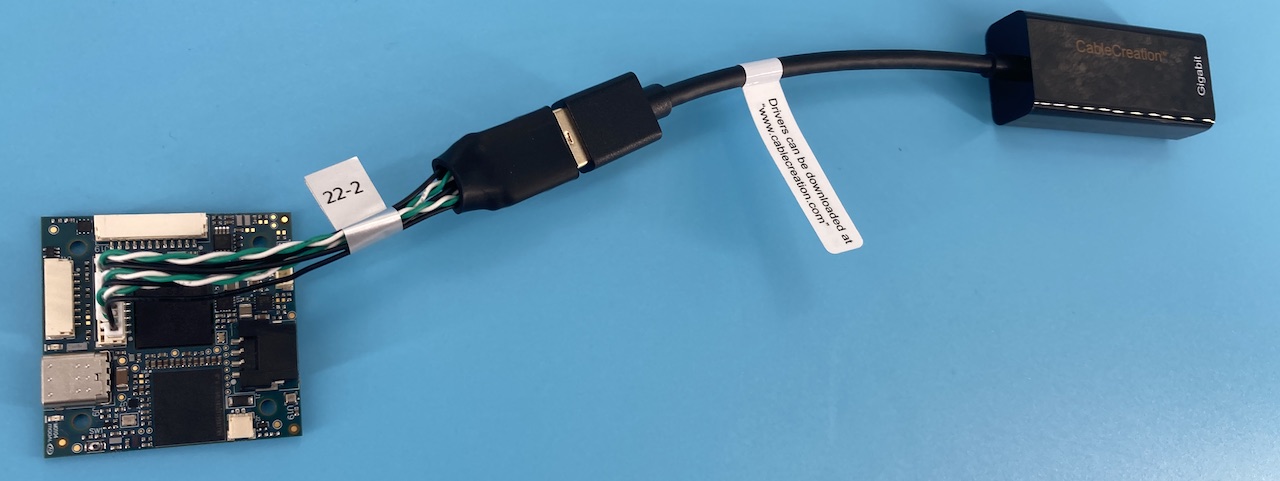
MCBL-00022-2 is recommended.
Example using a wired ethernet adapter connected to J3 (Cable Creation USB to Ethernet)
Example using a wireless ethernet adapter connected to J3 (Alfa Network AWUS036ACS 802.11ac AC600)
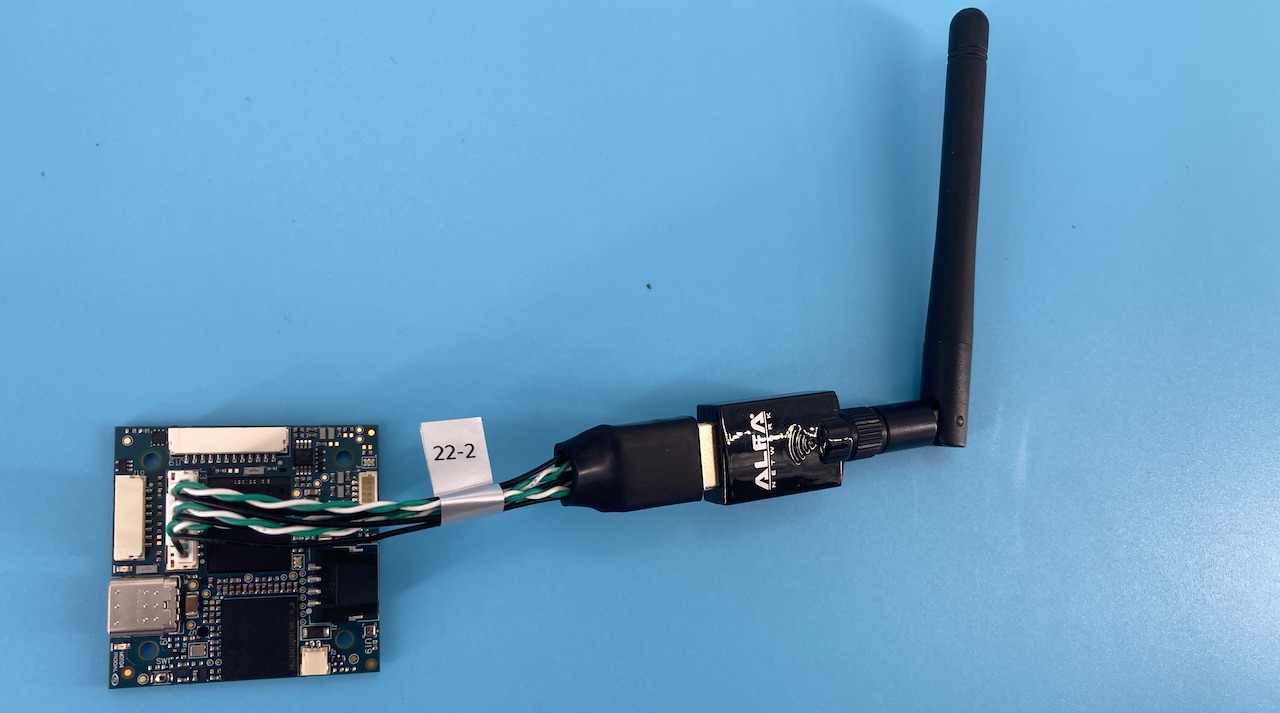
J9 - Debug USB
J9 - Primary - ADB Inteface
The primary use case for ‘J9’ is for gaining shell access using ADB. See VOXL 2 Mini Shell Access for more information.
It is recommended to use a USBC to USB type A cable, and we like flexible cables to prevent too much torque on the J9 connector introduced by thicker, inflexible cables.
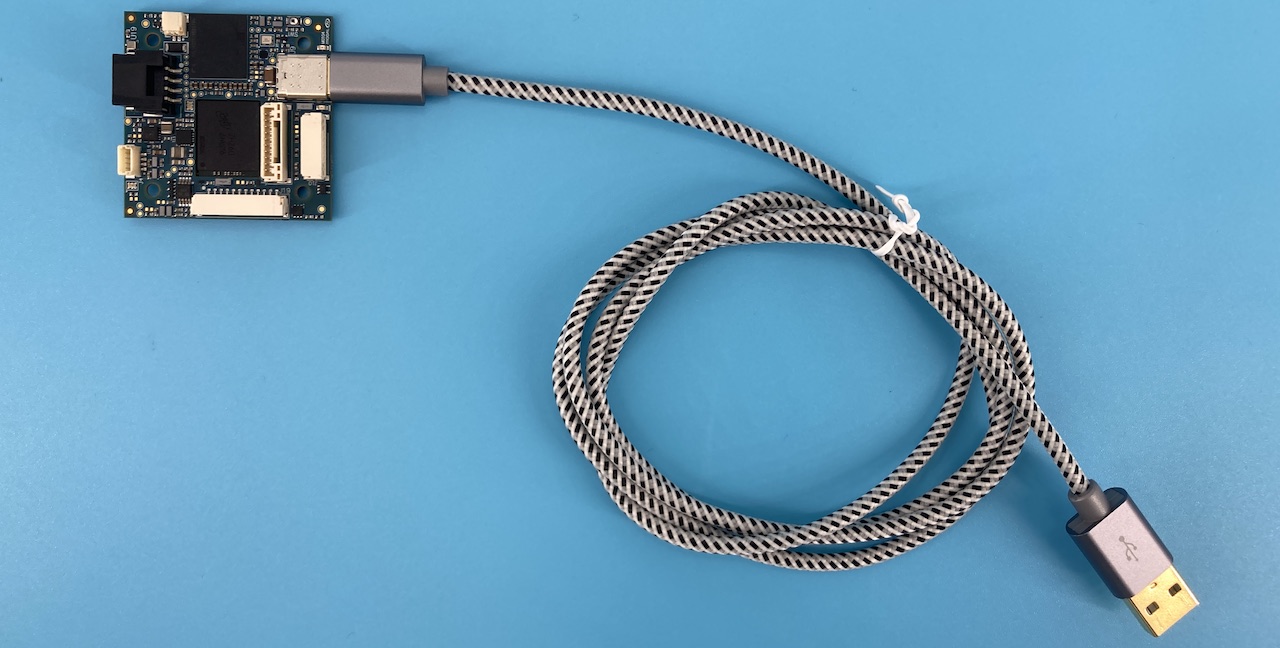
J9 - Secondary - USBC Host Mode
we recommend using this for debug purposes, and don’t recommend using this port in final product as it prevents you from access to perform system updates.
shown is a USBC to USBA (as these were the peripherals available to serve as an example, but direct USBC also are OK)