
VRX Ground Unit Datasheet
Specifications, connectors, and supported SDK for the VRX ground unit.
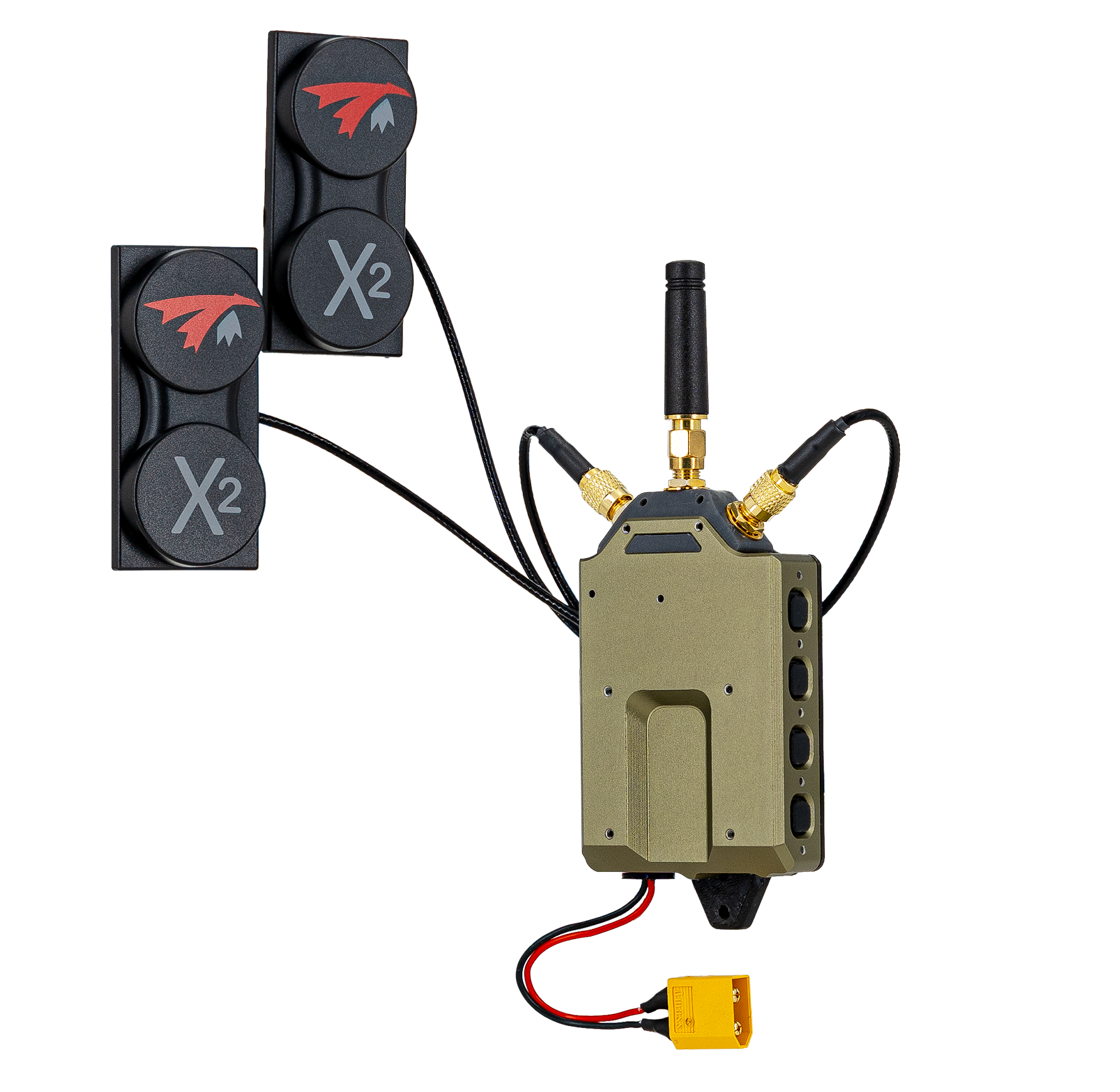
Table of contents
Overview
Supported VTX Air Units
- Stinger Vision FPV (
MRB-D0013-6-C33-M26-T8-X8)
High-Level Specs
| Range | 10km+ 5GHz or 2.4Ghz (LOS) |
| Video Performance | 1280*720@60fps, 40ms glass-to-glass min, 50ms avg |
| Frequencies Supported | 2.412-2.484GHz or 5.160-5.885GHz |
| Video Output | DisplayPort over USB-C |
| Computing | ModalAI M0205-1 - VOXL 2 Mini VRX |
| Weight | 120g w/o battery |
| Size | Size (L x W x H): 4” x 2” x 1” |
| Battery/Power | 2S-6S, XT30 connector, ~7W |
| Antennas | QTY3 SMA |
| RF Link Contents (SDK 1.8.0) | Video, OSD data and MAVLink telemetry air to ground; link-quality responses, VRX menu input and GCS MAVLink ground to air (SDK 1.6.1 and older: air to ground only). See What the link carries |
| Ground to Air RC Control | Separate ELRS 915 MHz RC link (not through the VRX) |
VOXL SDK Support
The VRX Ground Unit runs the VOXL VRX SDK, a separate image from the drone SDK (current release ubun2.0-multi_SDK_1.8.0.tar.gz, supported since VRX SDK 1.4.5). The VRX and the drone must run the same SDK version: SDK 1.8.0 on the drone (voxl-osd 1.2.0 or newer) needs VRX SDK 1.8.0.
See VRX Ground Unit Developer Guide for more details.
SKUs
Summary
| ModalAI VRX | Description |
|---|---|
| MVX-R0001-7-V1-M31-K0 | VRX, Gen1.5, VRX Only |
| MVX-R0001-7-V1-M31-K1 | VRX, Gen1.5, RA01 Antenna, Cables, No Goggles |
| MVX-R0001-7-V1-M31-K2 | VRX, Gen1.5, RA01 Antenna, Cables, Orqa FPV.One Goggles |
| MVX-R0001-7-V1-M31-K3 | Ground Kit - Stinger Vision VRX with Display and Spare Parts |
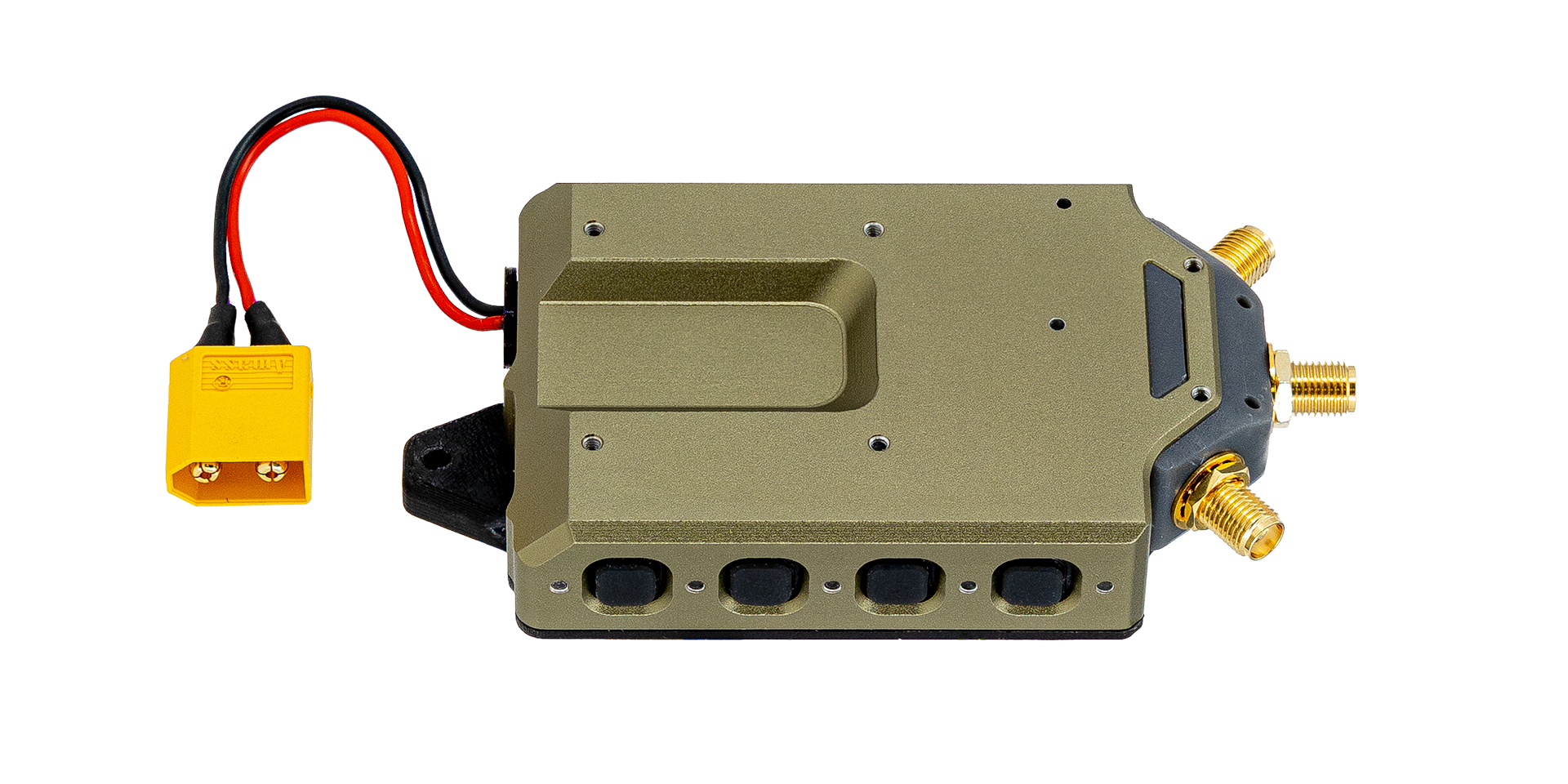
MVX-R0001-7-V1-M31-K0
VRX by itself
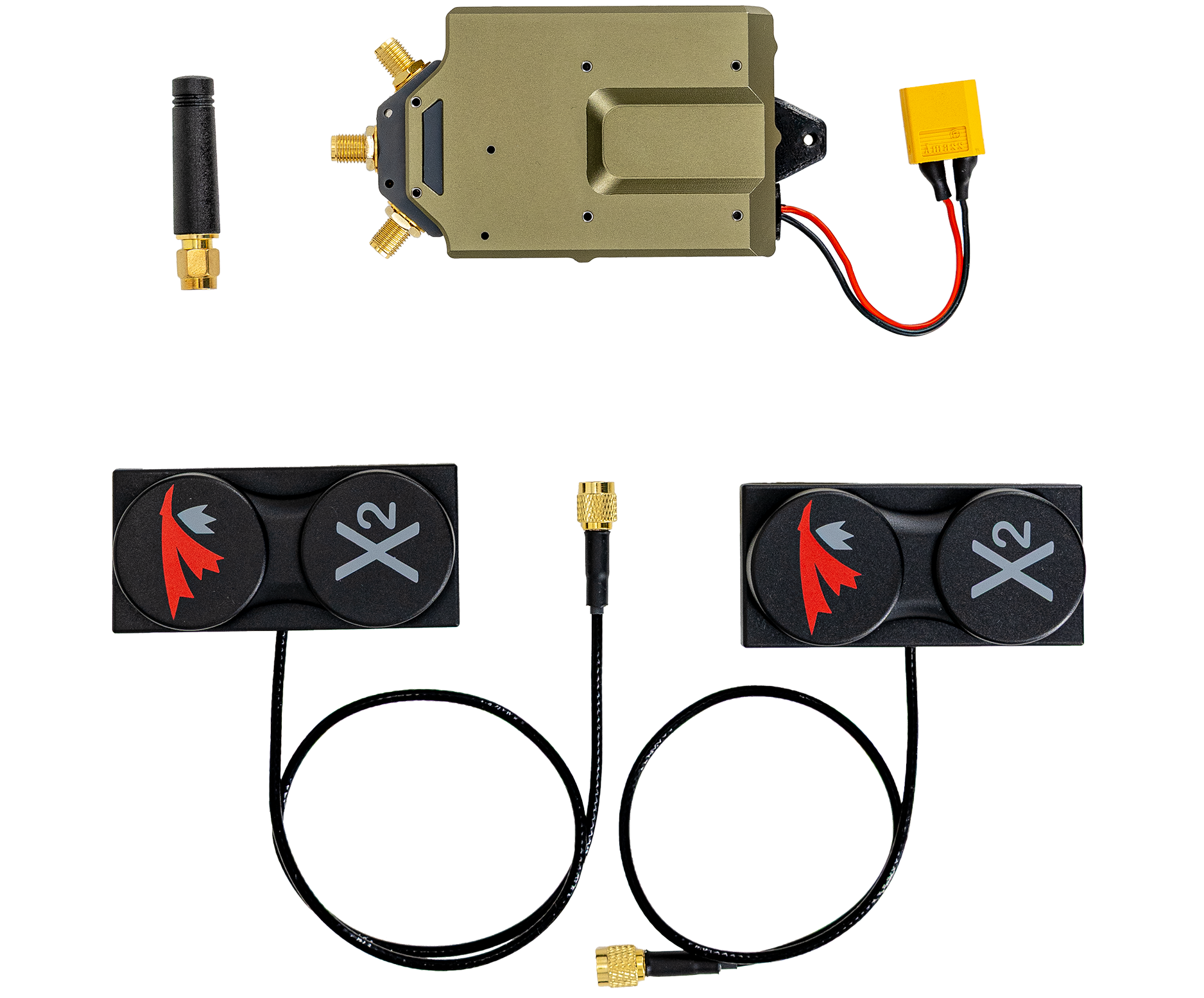
MVX-R0001-7-V1-M31-K1
Includes RA01 antenna config - 5GHz QTY2 Patch Directional, QTY1 Omni Whip
M10001129- Antenna, X2-AIR 5.8 MKII, RHCP, RG316 cable, SMA, 300mmM10001130- Antenna, X2-AIR 5.8 MKII, RHCP, RG316 cable, SMA, 400mmM10001136- Antenna, 4.9-5.9Ghz, 5dBi, Linear, Whip, SMA, 44mm
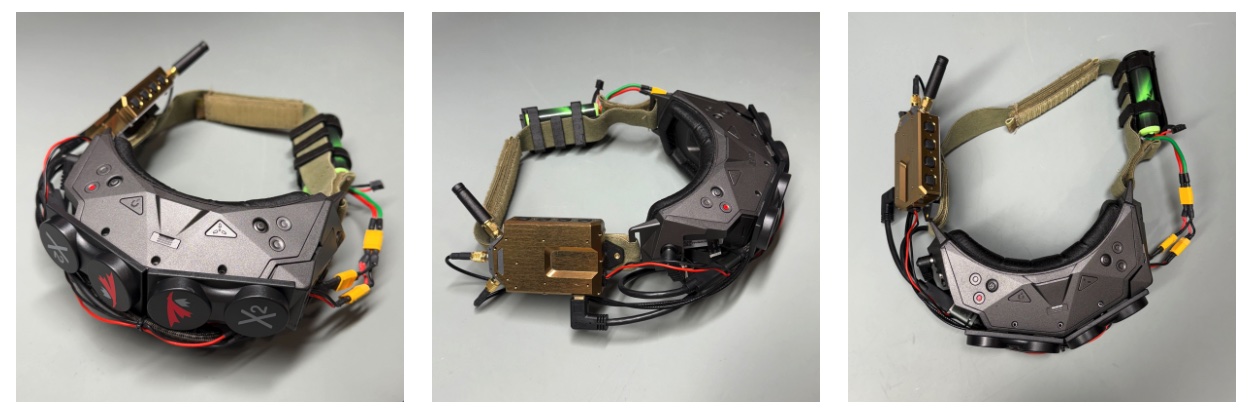
MVX-R0001-7-V1-M31-K2
Integrated with Orqa FPV.One goggles for an immersive digital HD experience.
This configuration is in full production and shipping.
Enclosure/Mount
Gen1.5
- Rail mount
M10001115is pre-installed on all VRX kits (K0 to K3). - The rail mount is fastened from inside the lid with
M10000841andM10001124. To remove or replace it, remove the lid. - To attach the VRX to your own equipment, use the
M100011153D STEP file below to design an adapter that mates with the rail mount.
The cable retainer holds a right-angle USB-C plug in place. Do not use it to mount the VRX.
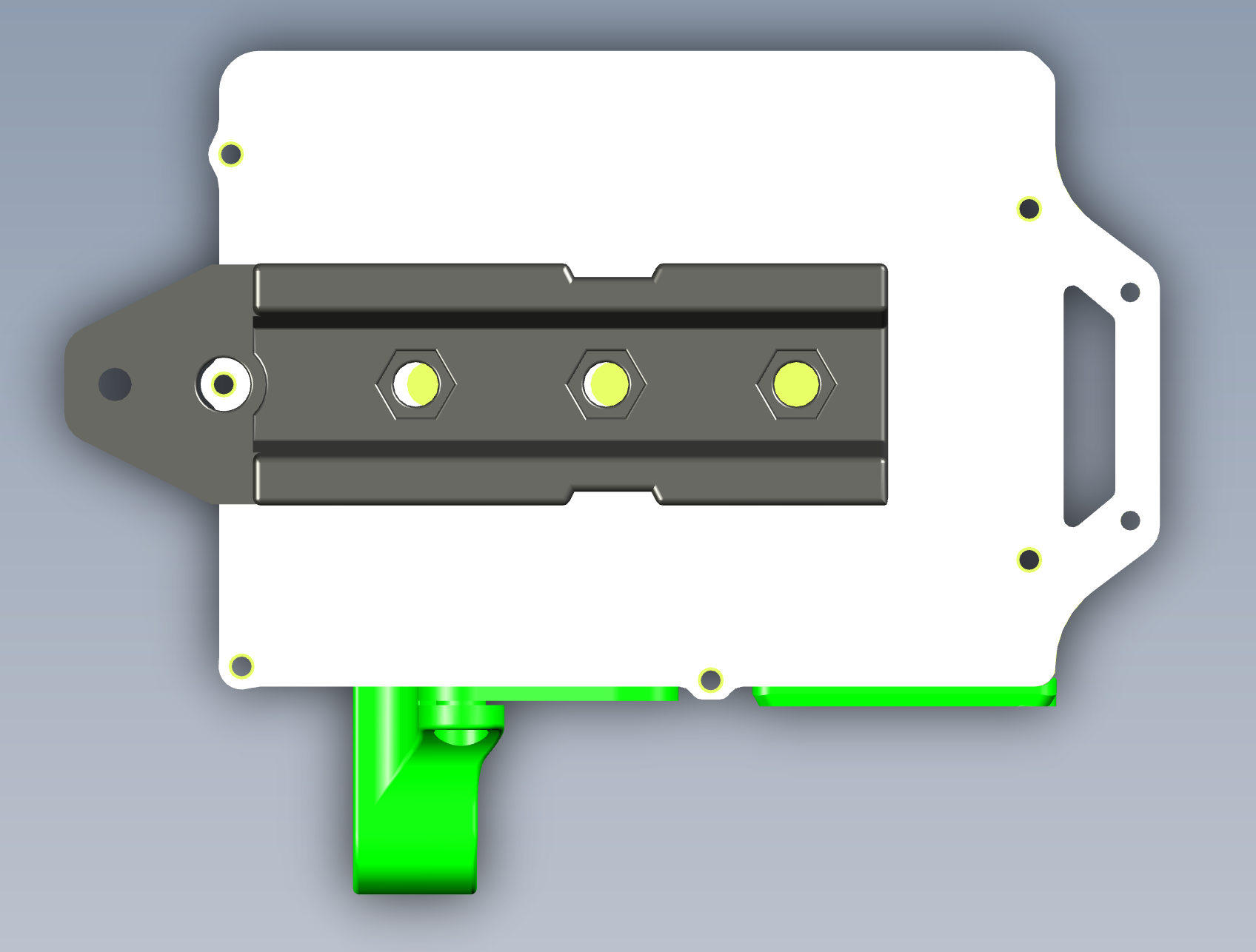
CAD render. Colors differ from the production unit.