
LegacyThis documents a legacy product. Newer alternatives may be available.
M500 Quickstart
How to get started with M500
Required Materials
To follow this user guide, you’ll need the following:
- Spektrum Transmitter
- e.g. SPMR6655, SPM8000 or SPMR8000
- Any Spektrum transmitter with DSMX/DSM2 compatibility will likely work
- Buy Here
- LiPo 4S battery with XT60 connector
- Buy Here
- Host computer with:
- QGroundControl 3.5.6+
- Wi-Fi
- a terminal program
What’s in the Box
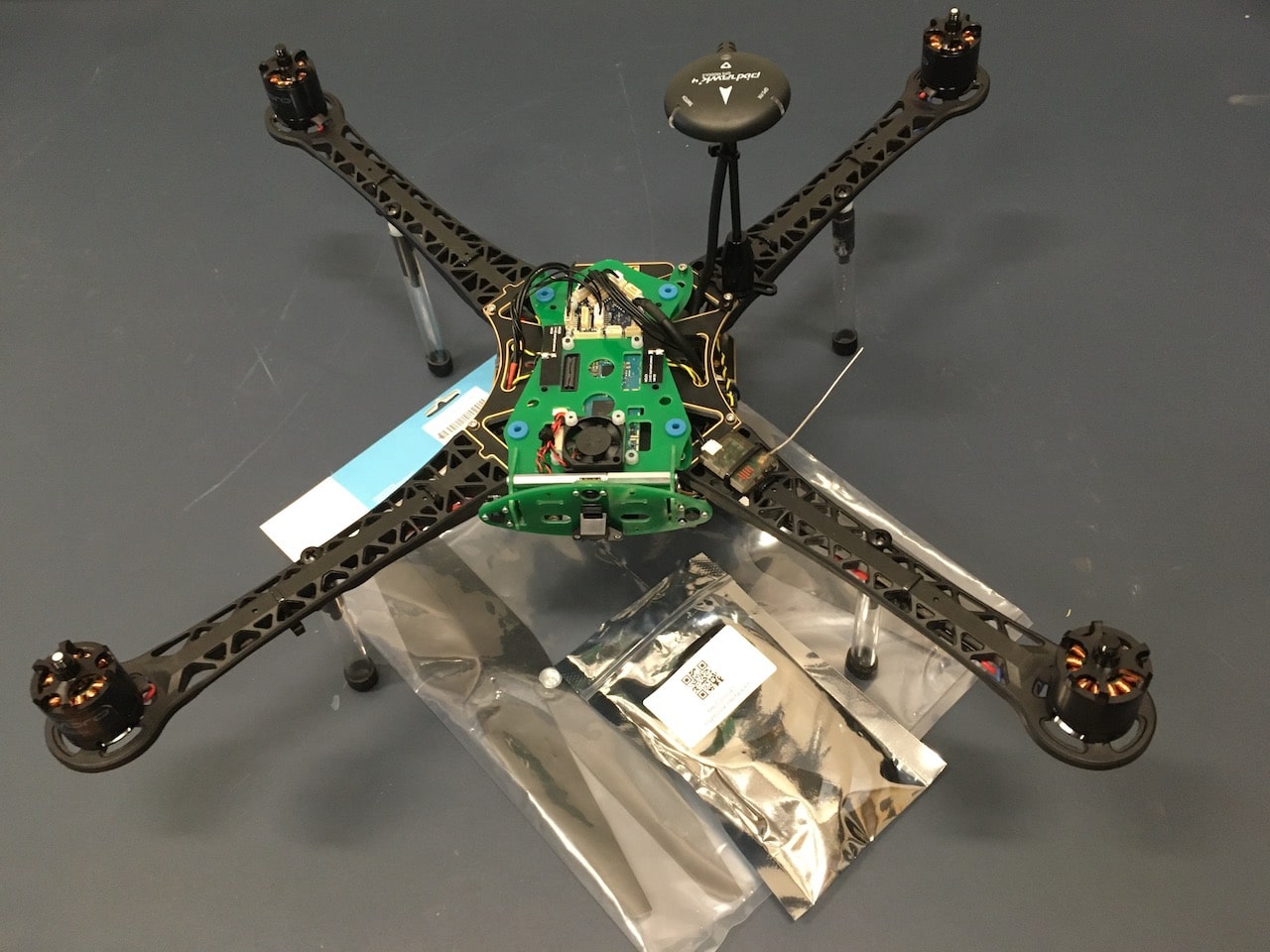
Included in the box are:
- VOXL m500 with Spektrum receiver (note: the system supports FrSky receivers like X8R, see RC Radio Setup)
- 10” props
- USB-to-JST Cable (not used in this guide)
- Spare landing gear mounting screws
M500 Demos
Unbox the M500, connect a battery and radio, and prepare for a first flight.
Table of contents
- M500 Quickstart
- Required Materials
- M500 LTE Control Demo
- M500 GPS to Vision Transition for GPS-denied Navigation
- M500 Hover While Being Pushed Around with no GPS
- M500 Camera Gimbal Demo
- M500 MAVROS Demo
M500 LTE Control Demo
How to control M500 over LTE, Instructions
M500 GPS to Vision Transition for GPS-denied Navigation
How to transition to vision-based, GPS-denied Navigation
M500 Hover While Being Pushed Around with no GPS
How to hover in place in a GPS-denied environment using only Visual Inertial Odometry.
M500 Camera Gimbal Demo
Demo of M500’s optional Camera Gimbal