
Depth From Stereo
voxl-dfs-server is a background systemd service that subscribes to a stereo image feed and outputs depth information via three MPA pipes per stereo pair: <name>_disparity, <name>_disparity_scaled, and <name>_pc. <name> is the input stereo pipe name, for example stereo_front_disparity. With two independent input pipes, <name> is the left camera name with a trailing _left or _l removed, for example tracking_disparity.
voxl-dfs-server is not actively supported by ModalAI. Before qrb5165-dfs-server 0.3.0 the service required a combined
STEREO_RAW8stream, and current ModalAI development drones do not publish that format by default. qrb5165-dfs-server 0.3.0, shipped in SDK 1.8.0, also accepts two independent hardware-syncedRAW8pipes (left and right, selected withinput_pipe_right). It pairs their frames by timestamp withinsync_tolerance_nsand finds the calibration from the pipe names and/etc/modalai/extrinsics.conf; see Configuration. Two-pipe input needs qrb5165-dfs-server 0.3.0 and libmodal-cv 0.6.2, so it requires SDK 1.8.0 or newer. There are no official plans for the qrb5165-dfs-server repository and it is expected to become community driven.
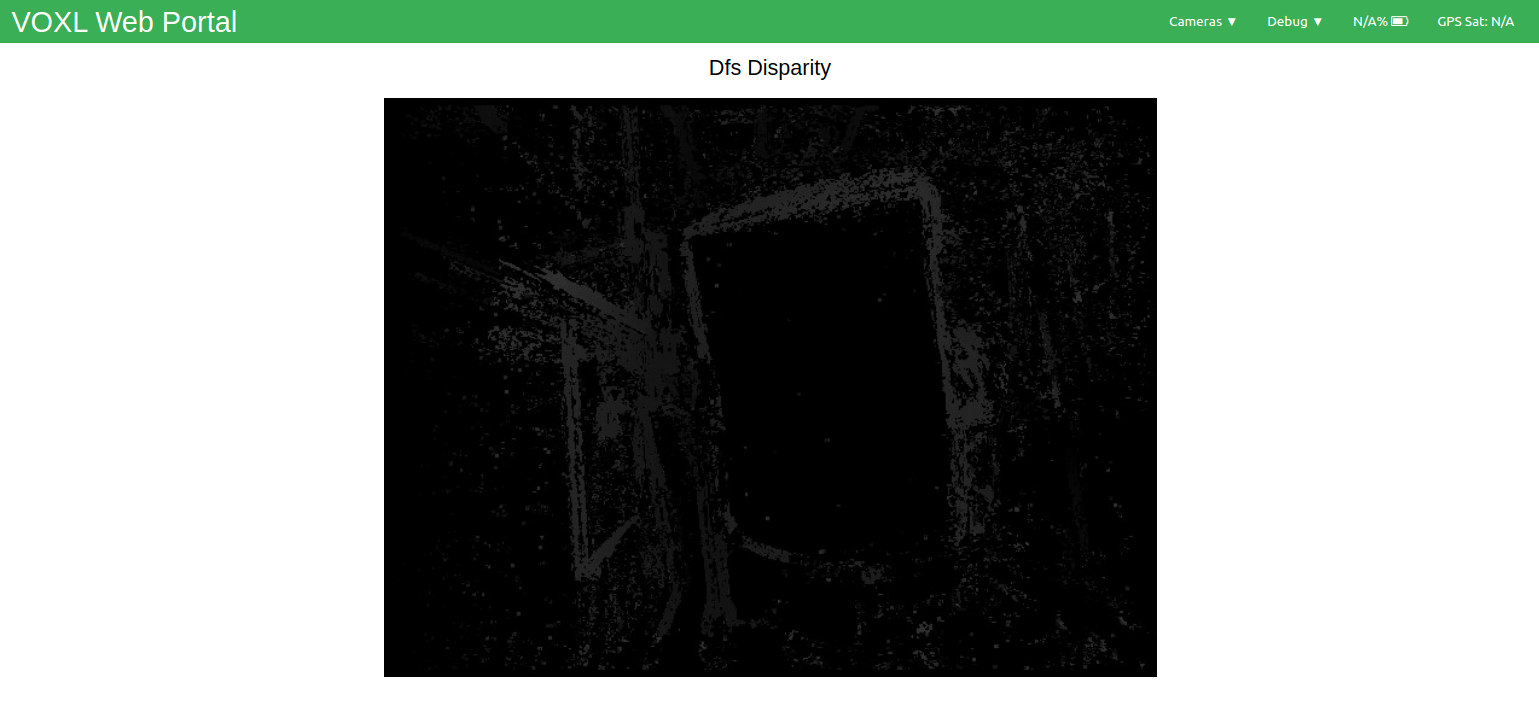
Table of contents
Output Format
The data format is unique to each output pipe:
<name>_disparity: Grayscale image with pixel values corresponding to calculated disparity. Each pixel will be within the range [0, max_disparity], which can be changed in the configuration file.
<name>_disparity_scaled: Grayscale image as above, but pixel values will correspond to scaled disparity values in the range of [0, 255].
<name>_pc: An XYZ pointcloud (as specified by libmodal_pipe in pipe_interfaces/point_cloud_metadata_t.h) with the reprojected distances.
For an example of how to read this data, see voxl-inspect-points.
Configuration
The configuration file is /etc/modalai/voxl-dfs-server.conf. It defines up to two stereo pairs; every key below exists once per pair with a dfs_pair_0_ or dfs_pair_1_ prefix (for example dfs_pair_0_input_pipe). Defaults are from qrb5165-dfs-server 0.3.0 (SDK 1.8.0).
| Key | Default (pair 0 / pair 1) | Description |
|---|---|---|
enable | 1 / 1 | Enable this pair. At least one pair must be enabled |
input_pipe | stereo_front / stereo_rear | Combined STEREO_RAW8 stereo pipe. When input_pipe_right is set, this is the left camera’s RAW8 pipe instead |
input_pipe_right | empty | Right camera’s RAW8 pipe. Leave empty to use a single combined stereo pipe (SDK 1.8.0+) |
sync_tolerance_ns | 5000000 | Only used with input_pipe_right. Maximum left/right timestamp difference for two frames to be treated as one capture (SDK 1.8.0+) |
intrinsics_file | /data/modalai/opencv_stereo_front_intrinsics.yml / /data/modalai/opencv_stereo_rear_intrinsics.yml | Combined stereo intrinsics file. Ignored when input_pipe_right is set |
extrinsics_file | /data/modalai/opencv_stereo_front_extrinsics.yml / /data/modalai/opencv_stereo_rear_extrinsics.yml | Stereo extrinsics (OpenCV R/T between the cameras). Ignored when input_pipe_right is set |
min_disparity | 4 | Minimum disparity checked |
max_disparity | 64 | Maximum disparity checked. Must be a multiple of 4. The CVP hardware allows up to 64 at image width 640 or less, 32 at 1280 or less, and 16 at 1920 or less |
cost_threshold | 10 | Range [0,100]. Lower values keep only higher-confidence matches |
min_threshold | 10 | Range [0,100]. Must be less than or equal to cost_threshold |
blur_size | 0 | Optional Gaussian blur before matching. 0 disables it, otherwise an odd number of 3 or more |
post_median_size | 0 | Optional median filter after matching. 0 disables it, otherwise an odd number of 3 or more (15 is a reasonable starting point). Uses additional CPU |
en_cvp_rectification | 1 | Undistort the images with the CVP hardware |
pc_skip_n_lines | 4 | Rows and columns skipped when building the point cloud. 0 outputs one point per pixel |
skip_n_frames | 1 | Input frames skipped between processed frames. 1 processes every other frame. Frames are also skipped automatically if the CPU cannot keep up |
When input_pipe_right is set, calibration is found automatically. Each camera’s name is taken from its pipe name, with trailing stream suffixes removed until a per-camera calibration file exists (for example tracking_left_misp_norm resolves to /data/modalai/opencv_tracking_left_intrinsics.yml). The camera-to-camera extrinsics are chained from /etc/modalai/extrinsics.conf through the cameras’ common reference frame. input_pipe must be the camera that matches the left camera of that calibration.
Visualization Options
You can view either the regular disparity or scaled image streams as another normal camera pipe. As such, it can be viewed with voxl-portal, converted to ROS with voxl_mpa_to_ros, and logged to disk with voxl-logger.
The pointcloud can be viewed with voxl-portal.